Steps to Launch a Mobile App on the Play Store
From a working build to a published app, here are the main steps and common mistakes to avoid.
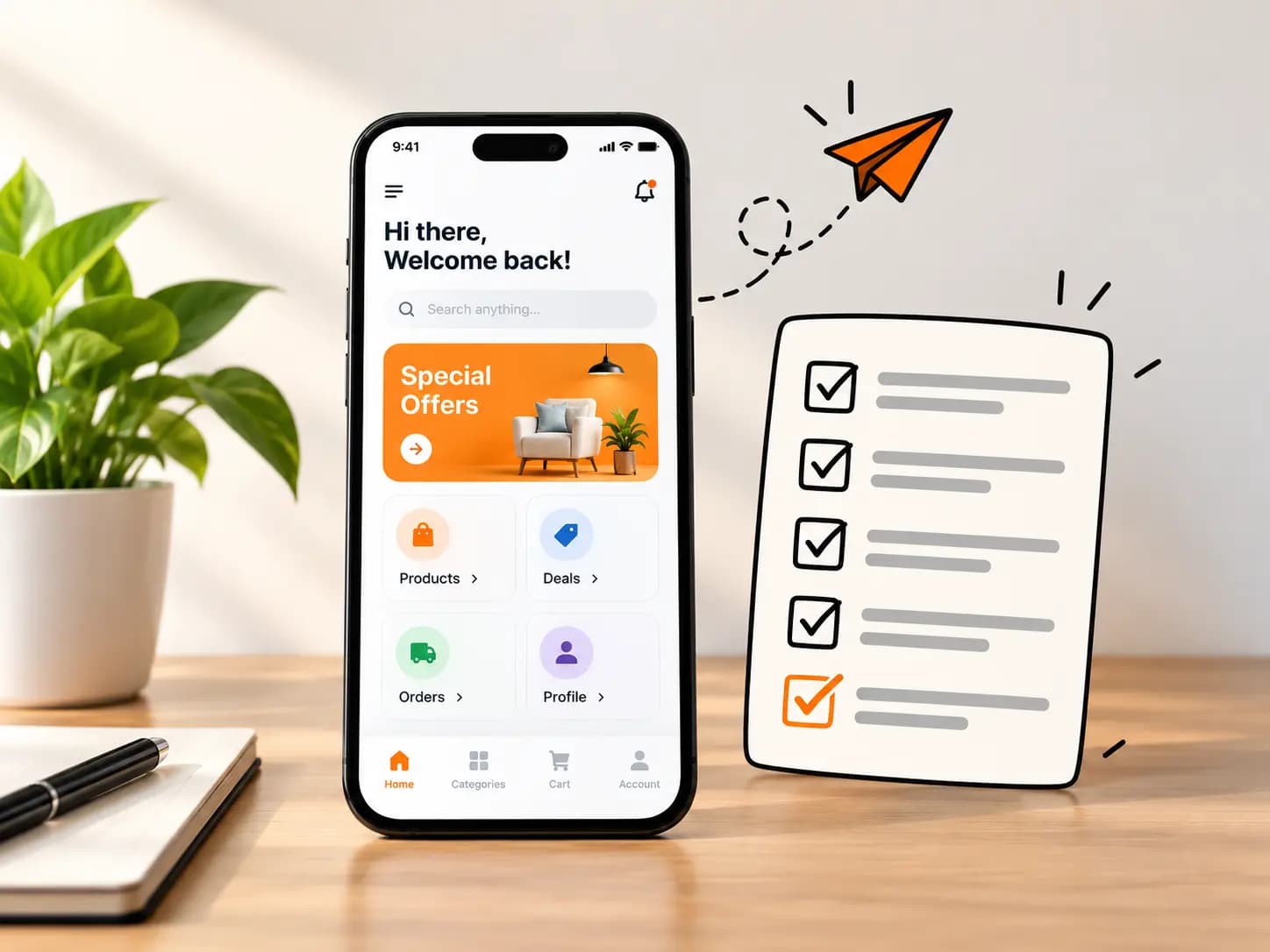
Publishing an app takes more than a working build. You need a signed release, a privacy policy URL, store listing content and test coverage on real devices.
Keep the signing key safe from day one. A mismatched key can block future updates, so store it in a secure place and back it up.
Review the store policies before you submit, and prepare screenshots that show the real app experience.
Thanks for reading. If you are planning something similar, tell us about it, or explore our services.